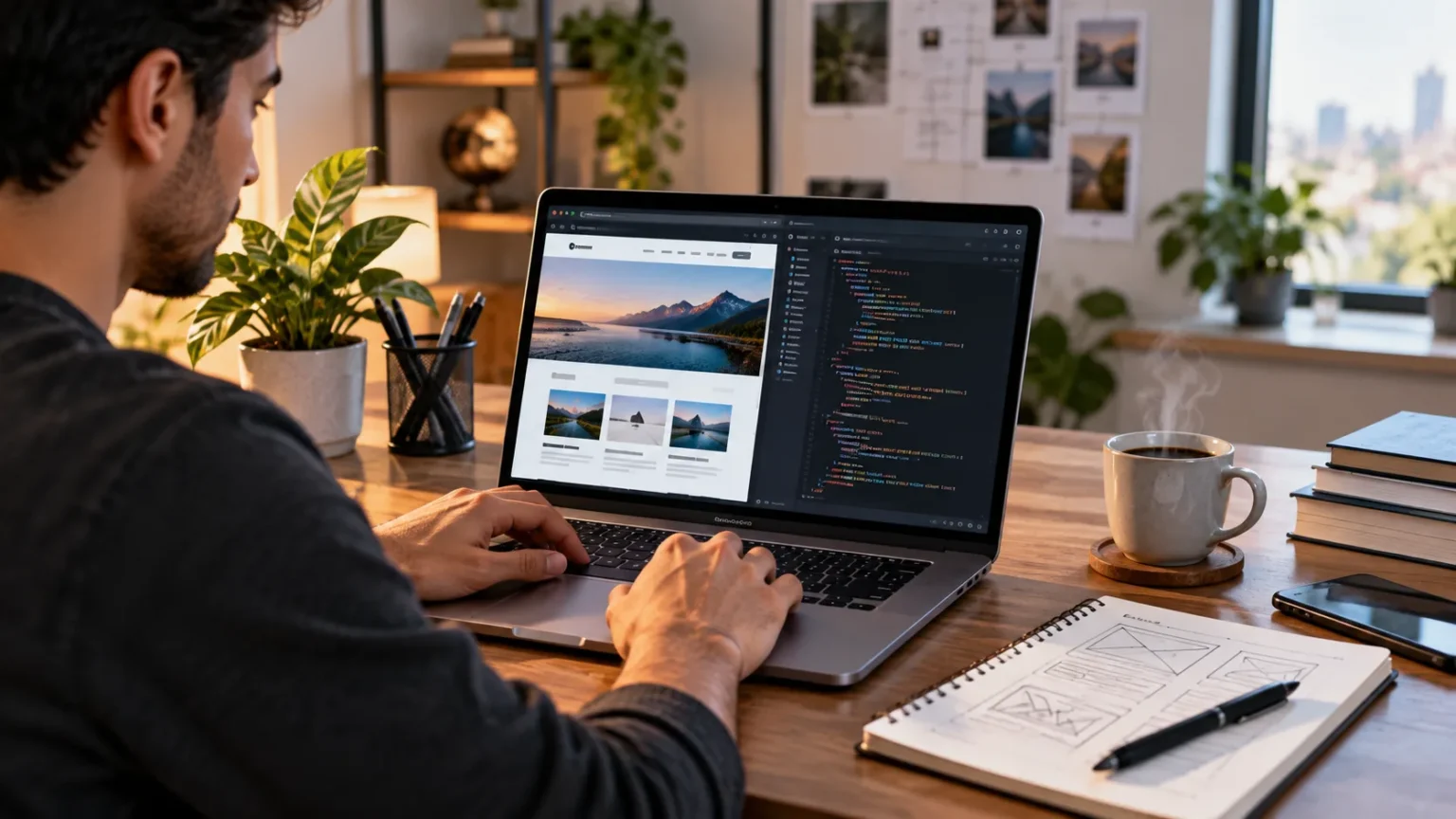

Building your first website from scratch may sound complicated, but the process becomes much easier when you break it into clear steps. You do not need to be an experienced developer to create a simple, functional website. By learning the basics of HTML, CSS, JavaScript, hosting, and domain names, beginners can gradually turn an idea into a website people can actually visit.
Creating a website yourself also helps you understand how the web works behind the scenes. Instead of relying completely on website builders, you learn how pages are structured, styled, connected, tested, and published online. These foundational skills can later help you build portfolios, business websites, blogs, landing pages, and more advanced web applications.
The key is to start small and avoid trying to learn everything at once. Build a basic website first, understand what each technology does, and improve the project gradually. This guide explains how to build your first website from scratch using practical steps that are beginner-friendly and easy to follow.
Decide What Type of Website You Want to Build
Before writing any code, decide what your website is supposed to accomplish. You might want to create a personal portfolio, small business website, blog, product landing page, online resume, or educational website. Having a clear purpose helps you decide which pages, features, and content your website actually needs.
Think about the people who will visit your site and what information they will expect to find. A portfolio may need project samples and contact information, while a business website might require service pages, testimonials, and location details. Defining your target audience prevents you from adding unnecessary features that make your first project harder than it needs to be.
Create a simple list of pages before moving forward. Most beginner websites can start with a homepage, about page, services or projects page, and contact page. Keeping the initial website small makes development easier while giving you enough structure to practice navigation, content organization, page design, and basic web development skills.
Plan the Structure of Your Website
Website structure describes how pages and content are organized and connected. A clear structure helps visitors find information easily and also makes the development process more manageable. Before coding, sketch a simple sitemap showing your main pages and how visitors will move between them through menus and internal links.
You can also create basic wireframes for important pages. A wireframe is a simple layout showing where elements such as the logo, navigation menu, headings, text, images, buttons, and footer will appear. It does not need attractive colors or polished graphics because its main purpose is to help you plan the page before designing it.
Keep your first layout straightforward rather than attempting complicated animations or unusual navigation. Visitors are already familiar with common website patterns such as a header at the top, main content in the center, and a footer at the bottom. Following familiar patterns usually creates a better experience while giving beginners fewer design problems to solve.
Learn the Basic Technologies Behind Websites
Most basic websites are built using three core front-end technologies: HTML, CSS, and JavaScript. HTML provides the structure of a webpage, CSS controls its visual appearance, and JavaScript adds interactive behavior. Understanding the role of each technology makes web development much easier because you know which tool should handle each task.
HTML creates elements such as headings, paragraphs, images, links, forms, lists, and page sections. CSS allows you to control colors, fonts, spacing, alignment, responsive layouts, and other visual details. JavaScript can add features such as interactive menus, form validation, image sliders, buttons, and content that changes based on user actions.
You do not need to master all three before starting your first website. Begin with HTML, add CSS once your content structure works, and introduce JavaScript only when you need interaction. This step-by-step approach helps you understand how the technologies connect instead of copying complex code without knowing what it actually does.
Set Up Your Website Project Files
Once you understand the basic technologies, create a folder on your computer for the website project. Inside it, you can organize files for HTML pages, stylesheets, JavaScript, images, and other assets. Good file organization becomes increasingly important as your website grows because it makes resources easier to locate and update.
Your homepage is commonly saved as an HTML file named index.html. You can then create separate folders for CSS, JavaScript, and images if your project contains enough files to justify them. Use clear file names such as about.html, contact.html, and style.css instead of vague names that may become confusing later.
It is also useful to begin tracking changes as you work on projects. Learning basic version control can help you understand how developers save project history and manage updates safely. You may not need advanced workflows immediately, but the habit becomes increasingly valuable as your coding projects become larger.
Build the Website Structure With HTML
HTML should usually be the first coding step because it defines the actual content and structure of your website. Start by adding the essential document structure, then create meaningful sections for navigation, main content, and the footer. Focus first on making the information logical rather than worrying about how attractive the page looks.
Use appropriate HTML elements for their intended purposes. Headings should establish content hierarchy, paragraphs should contain body text, navigation links should help users move through pages, and images should include meaningful alternative text when appropriate. Semantic HTML makes the website easier to understand for browsers, search engines, assistive technologies, and other developers.
Build one page at a time and test your links as you go. Make sure your navigation sends visitors to the correct pages and that images load from the expected locations. Getting the HTML structure right before adding complex styling prevents you from spending time designing elements that later need to be reorganized.
Style Your Website With CSS
Once your HTML content is properly structured, CSS can transform the basic page into a visually appealing website. Start with essential design choices such as font size, text color, background color, spacing, and content width. A simple and consistent design usually works better for beginners than trying to create an overly decorative interface.
Use spacing carefully so content does not feel crowded. Margins and padding help create separation between headings, paragraphs, buttons, images, and page sections. Choose readable font sizes and maintain strong contrast between text and backgrounds so visitors can comfortably read your content on different devices.
Consistency is another important part of website design. Buttons, headings, links, and similar components should generally follow the same styling throughout the site. Creating reusable CSS rules makes it easier to maintain a consistent appearance and reduces the amount of duplicated styling you need to write across individual pages.
Make Your Website Mobile-Friendly
People access websites from phones, tablets, laptops, and large desktop screens, so your layout should adapt to different screen sizes. Responsive web design allows content to resize and reposition based on the visitor’s device. A website that looks excellent on a desktop but breaks on a smartphone can provide a frustrating experience.
Begin with flexible layouts rather than fixed-width designs. Allow images to scale within their containers, use relative measurements where appropriate, and avoid placing too many elements side by side on narrow screens. CSS media queries can then adjust layouts, font sizes, navigation, or spacing when the screen reaches specific widths.
Test your pages at several browser widths while building them instead of waiting until the website is finished. Pay attention to navigation menus, buttons, forms, images, and long text sections. Fixing responsive problems gradually is usually easier than redesigning the entire website after discovering that multiple sections fail on mobile devices.
Add Simple Interactivity With JavaScript
A basic informational website can work without JavaScript, but adding simple interactions can make the experience more dynamic. JavaScript allows your page to respond to user actions such as clicks, keyboard input, form submissions, and scrolling. Beginners should start with small features instead of immediately attempting complex web applications.
You might use JavaScript to create a mobile navigation menu, validate a contact form, display or hide information, or update content after a button is clicked. Each small feature teaches you important concepts such as variables, functions, events, conditions, and interacting with elements on the webpage.
Avoid adding JavaScript simply because you feel every modern website needs it. Unnecessary scripts can make code harder to understand and may affect performance. Use JavaScript when it genuinely improves functionality, and keep your first website focused on features you can explain and maintain confidently.
Add Useful Content and Website Images
A technically correct website still needs useful content to provide value to visitors. Write clear headings, concise paragraphs, meaningful page descriptions, and calls to action based on the purpose of the website. Avoid filling pages with placeholder text once you begin preparing the site for real visitors.
Images can make pages more engaging, but they should support the content instead of being added only for decoration. Choose relevant visuals, resize oversized files, and use suitable image formats. Large unoptimized images can slow down page loading, especially for visitors using mobile connections or slower networks.
Also review your content for readability before publishing. Break long sections into manageable paragraphs, use descriptive headings, and make important actions easy to identify. Visitors often scan web pages rather than reading every word, so clear information hierarchy can improve both usability and overall engagement.
Test Your Website Before Publishing
Testing is an essential part of building a website because small mistakes can easily be overlooked during development. Open every page and click all navigation links, buttons, and other interactive elements. Make sure images load correctly, forms behave as expected, and visitors are not sent to missing or incorrect pages.
Check the website in more than one browser and at different screen sizes. Although modern browsers generally follow similar standards, certain layout or styling differences can still appear. Testing on desktop and mobile views helps you catch usability problems before real visitors experience them.
Look for spelling mistakes, inconsistent spacing, broken links, slow-loading images, and confusing navigation. You can also ask another person to use the website without giving them instructions. Watching where they become confused can reveal usability issues that may not be obvious when you already know how every part of the site works.
Choose a Domain Name and Web Hosting
A domain name is the address people type into their browser to reach your website, while web hosting stores the website files and makes them accessible online. For personal practice projects, free hosting services can sometimes be enough. Business websites usually benefit from a professional domain and reliable hosting arrangement.
Choose a domain that is short, memorable, and easy to spell whenever possible. Avoid complicated combinations of numbers, hyphens, or unusual words that visitors may struggle to remember. If the website represents a business or personal brand, try to select a domain that clearly connects with that identity.
When comparing hosting options, consider reliability, storage, security, customer support, backups, and ease of deployment. Beginners do not usually need the most expensive hosting package available. Start with a plan suitable for a small website and upgrade later if traffic, storage requirements, or application complexity increases.
Publish Your Website Online
Once your pages have been tested, you can upload your website files to your chosen hosting provider. The exact process depends on the hosting service, but it typically involves transferring your HTML, CSS, JavaScript, and image files to the server. Some modern hosting platforms can also deploy projects directly from a code repository.
After deployment, open the live website through its public address and test everything again. Links or image paths that worked locally may occasionally behave differently after files are uploaded. Verify that your homepage loads properly, HTTPS works, mobile layouts remain usable, and important forms or buttons still function correctly.
Publishing is not the end of website development. Keep backups, fix problems when they appear, and update content as information changes. Your first website will probably not be perfect, but maintaining and improving it will teach you far more than waiting until every detail feels completely finished before putting it online.
Improve Your Website After Launch
Once the website is live, pay attention to areas that can be improved rather than immediately rebuilding everything. You might notice that certain pages need clearer navigation, stronger calls to action, faster images, or improved mobile layouts. Make small changes and evaluate whether they create a better experience.
As your skills develop, you can gradually learn more advanced topics such as accessibility, technical SEO, performance optimization, forms, APIs, databases, and server-side programming. These skills can transform a simple static website into a more powerful application, but they are easier to learn after you understand the fundamentals.
Continue experimenting by adding new pages or rebuilding individual sections with better techniques. Save older versions so you can compare how your development skills have improved. Your first website should be viewed as a learning project that gives you practical experience and prepares you to build more advanced websites later.
Conclusion
Building your first website from scratch becomes manageable when you approach it one step at a time. Start with a clear purpose, plan your pages, learn basic HTML and CSS, and gradually introduce JavaScript where interaction is needed. Keeping your first project simple allows you to focus on understanding the fundamentals rather than becoming overwhelmed by advanced features.
Once the website works locally, test it carefully across screen sizes and browsers before publishing it. Choose an appropriate domain and hosting service, upload your files, and check the live version for broken links or other issues. Publishing even a simple website gives you valuable practical experience that tutorials alone cannot provide.
Most importantly, continue improving the project after launch. Web development is learned through building, testing, making mistakes, and solving problems repeatedly. Each website you create will improve your understanding of design, coding, user experience, performance, and the technologies that power the modern web.
FAQs
Can I build a website from scratch as a complete beginner?
Yes. Beginners can start with basic HTML and CSS before adding JavaScript. Building a small website with a few pages is one of the most practical ways to learn web development fundamentals.
Do I need to know coding to build a website from scratch?
If you want to build a website truly from scratch, learning HTML and CSS is essential, while JavaScript adds interactivity. You can begin with basic concepts and gradually learn more advanced coding skills.
How long does it take to build your first website?
A simple website can sometimes be built within a few days, while learning the underlying skills may take several weeks. The timeline depends on the design, number of pages, features, and your experience level.
What programming languages do I need for a basic website?
HTML provides webpage structure, CSS controls design and layout, and JavaScript adds interactive behavior. These three technologies form the core foundation for most front-end web development.
Do I need hosting and a domain to practice web development?
No. You can build and test websites directly on your computer while learning. Hosting and a domain are mainly needed when you want other people to access your website publicly online.