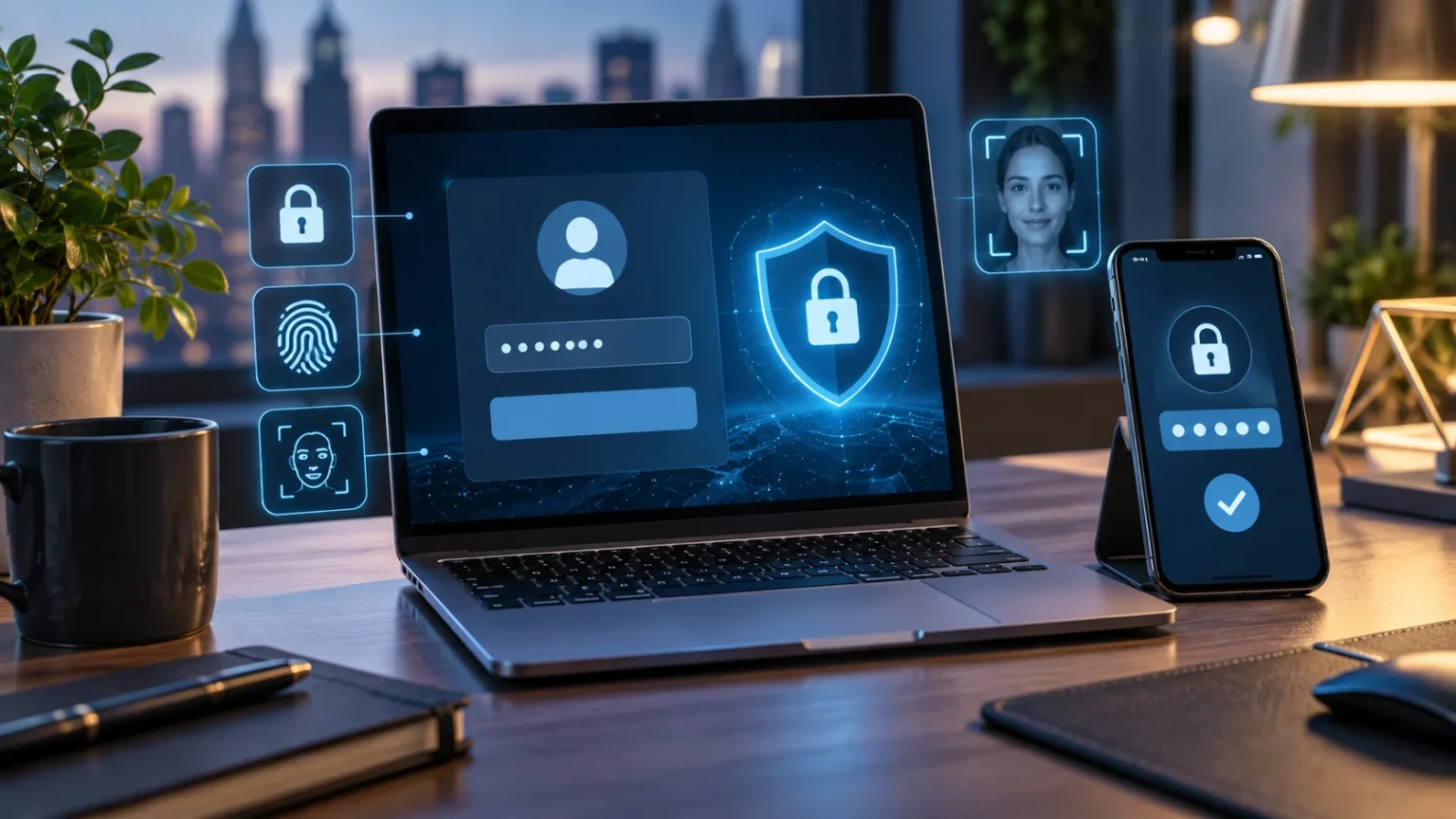

Multi-factor authentication, often shortened to MFA, is a security method that requires more than one form of verification before allowing access to an account. Instead of relying only on a password, MFA asks users to prove their identity in another way. This extra step can make online accounts significantly harder for attackers to access when login credentials are stolen.
MFA is now widely used for email accounts, banking services, cloud platforms, workplace systems, social media, and many other digital services. It may involve a code from an authentication app, a security key, a fingerprint, or another approved method. Understanding how multi-factor authentication works can help you protect important accounts without making everyday login unnecessarily complicated.
How Multi-Factor Authentication Works
Multi-factor authentication works by combining two or more different categories of identity verification. The first factor is usually something you know, such as a password or PIN. The second factor may be something you have, such as a smartphone or security key, or something you are, such as a fingerprint or facial recognition.
When you enter your username and password, the service checks whether those credentials are correct. Instead of immediately granting access, it then asks for the additional factor configured on the account. You may need to approve a notification, enter a temporary code, scan your fingerprint, or connect a physical security key before the login is completed.
This approach creates another barrier for attackers. Even if someone obtains your password through phishing, malware, credential leaks, or password reuse, they may still be unable to access the account without the second factor. MFA therefore reduces the value of stolen passwords and makes unauthorized account access more difficult.
What Are the Main Authentication Factors?
Authentication factors are usually grouped into several categories based on how identity is verified. “Something you know” includes passwords, PINs, and security answers. These methods are familiar and convenient, but they can be guessed, stolen, reused, or exposed if users enter them into fraudulent websites.
“Something you have” refers to a physical device or object associated with your identity. Examples include a smartphone running an authenticator app, a hardware security key, or another trusted device. An attacker would generally need access to both your password and this additional possession, which increases the difficulty of taking over the account.
“Something you are” includes biometric characteristics such as fingerprints, facial recognition, or other physical identifiers. Biometrics can provide convenient verification on compatible devices, especially when combined with secure hardware. However, biometric systems still depend on how securely devices and services store and process authentication information behind the scenes.
Why Passwords Alone Are Not Enough
Passwords remain important, but they have several weaknesses when used as the only security layer. People often choose simple passwords, reuse credentials, or create small variations of the same password across multiple accounts. If one service suffers a data breach, attackers may try those exposed credentials on other websites through automated login attempts.
Phishing creates another major problem because even a strong password can be stolen if a user enters it into a convincing fake login page. Attackers may imitate banks, email providers, cloud services, or company systems to collect credentials. Without an additional verification requirement, a stolen password may provide immediate access to the victim’s account.
Multi-factor authentication limits the damage that a compromised password can cause. The attacker may know the correct username and password but still lack the required authentication code, trusted device, or security key. MFA does not make an account impossible to compromise, but it creates a much stronger barrier than password-only protection.
Common Types of MFA You May Encounter
SMS verification is one of the most recognizable forms of multi-factor authentication. After entering a password, the service sends a temporary code to the user’s phone number. The user types that code into the login page, proving that they have access to the registered phone in addition to knowing the password.
Authenticator apps generate temporary codes directly on a trusted device and usually do not require a cellular connection. Many services also support push notifications that allow users to approve or reject login attempts. These methods can be more convenient than repeatedly receiving text messages and may provide stronger protection in some situations.
Hardware security keys provide another option by requiring a physical device during authentication. Depending on the service and technology used, the key may connect through USB, NFC, or another supported method. Security keys can provide strong phishing resistance because properly implemented systems verify the legitimate website before completing the authentication process.
Is SMS Multi-Factor Authentication Safe?
SMS-based authentication is generally stronger than using a password alone because an attacker also needs access to the verification code. For many users, enabling SMS MFA is a meaningful improvement when stronger options are unavailable. It is also easy to understand, which has helped make multi-factor authentication accessible across many consumer services.
However, text messages have security limitations. Phone numbers can sometimes be targeted through SIM-swapping attacks, and messages may be intercepted in certain circumstances. Users can also be tricked into manually giving verification codes to scammers who pretend to represent a bank, employer, support team, or another trusted organization.
If an authentication app, passkey, or hardware security key is available, it may provide stronger protection than SMS depending on the implementation. That does not mean users should disable SMS MFA and return to password-only security. The best practical choice is usually the strongest authentication method the account supports and the user can reliably maintain.
How Authenticator Apps Improve Account Security
Authenticator apps generate short-lived verification codes that change automatically after a brief period. Because the codes are created on the device rather than delivered through ordinary text messages, they reduce dependence on the mobile network. This can make them a useful option for protecting email, financial, cloud, social, and workplace accounts.
Setting up an authenticator usually involves scanning a QR code provided by the service you want to protect. The application then begins generating codes associated with that account. During future logins, you enter your password followed by the current code, creating two separate steps that an attacker would need to overcome.
Store backup or recovery information carefully when enabling an authenticator app. Losing the phone without a recovery method can make account access difficult. Many services provide backup codes or alternative recovery options, so save them somewhere secure rather than waiting until the device is lost, damaged, replaced, or unavailable.
How MFA Helps Protect Against Phishing
Phishing attacks commonly attempt to steal usernames and passwords through fake login pages. With password-only authentication, successfully collecting those credentials may be enough for the attacker to enter the real account. MFA adds another requirement that can interrupt this process and make stolen login details less immediately useful.
Not every MFA method offers the same level of phishing resistance. Attackers may create fake pages that request both passwords and temporary verification codes, then quickly use those details against the legitimate service. Push-notification attacks can also pressure users into approving unexpected login attempts if they do not carefully review each request.
Security keys and properly implemented phishing-resistant authentication methods can provide stronger protection because they verify the legitimate service during login. Whatever method you use, never approve an unexpected authentication request. If you receive a code or login prompt without initiating it, change your password and review recent account activity.
Why MFA Matters as the Web Continues to Change
People increasingly use online accounts for work, shopping, financial services, cloud storage, communication, and identity management. New technologies are also changing how users discover and interact with websites, including developments such as AI-powered search. As digital services become more connected, protecting account access becomes increasingly important.
A compromised email account can be particularly damaging because it may be used to reset passwords for several other services. Workplace credentials can expose internal systems, while stolen cloud accounts may reveal personal files or confidential business information. MFA helps reduce these risks by requiring attackers to overcome more than a single stolen credential.
The principle remains useful even as login technology evolves. Passwords, passkeys, biometric authentication, trusted devices, and security keys may be implemented differently, but strong account security continues to rely on reliable identity verification. Users should regularly review which authentication options their most important services offer and upgrade protection when stronger choices become available.
How to Set Up Multi-Factor Authentication Safely
Start with your most important accounts, particularly email, banking, cloud storage, password managers, social media, and workplace services. Open the account’s security settings and look for options labeled multi-factor authentication, two-step verification, two-factor authentication, login security, or similar wording. Follow the service’s official setup process rather than instructions from an unexpected email.
Choose the strongest authentication method that is practical for you. An authenticator app or security key may be preferable when available, while SMS can still provide useful protection if stronger methods are not supported. Complete the setup carefully and confirm that the additional factor works before signing out of your account.
Save recovery codes in a secure location after setup. These codes can help you regain access if your phone is lost, your authenticator becomes unavailable, or your security key cannot be used. Avoid storing recovery information in an unprotected document on the same device that normally handles your authentication.
Common Multi-Factor Authentication Mistakes to Avoid
One common mistake is approving authentication requests without checking whether you actually attempted to log in. Attackers sometimes send repeated push notifications hoping the victim eventually accepts one through frustration or confusion. Reject unexpected requests and investigate why they are appearing instead of assuming they are harmless technical errors.
Another mistake is sharing authentication codes with other people. A legitimate employee, bank representative, or support agent should not need you to reveal a temporary login code intended specifically for your authentication session. Scammers may create convincing stories, but the code should remain private just like your password.
Users should also avoid ignoring account recovery planning. Activating strong MFA without saving recovery codes or registering an appropriate backup method can create problems if the primary authentication device disappears. Review recovery information periodically and remove outdated phone numbers, old devices, or backup methods that you no longer control.
MFA, Two-Factor Authentication, and Passkeys Explained
Two-factor authentication, commonly called 2FA, is a specific type of multi-factor authentication that uses two authentication factors. MFA is a broader term because it can include two or more factors. In everyday conversation, the terms are often used interchangeably because most consumer services require exactly two steps during login.
Passkeys are another authentication technology designed to reduce reliance on traditional passwords. They use cryptographic credentials associated with a trusted device or account ecosystem, allowing users to sign in without typing a conventional password. Properly implemented passkeys can also provide strong resistance against phishing because the credential is designed to work with the legitimate service.
MFA and passkeys are not always competing technologies. A service may use passkeys as part of its broader authentication strategy, while organizations may still require additional verification for sensitive actions. The important goal is reducing dependence on easily stolen credentials and making unauthorized access significantly more difficult for attackers.
Conclusion
Multi-factor authentication is a security method that requires more than one form of identity verification before granting access to an account. It adds another layer beyond a password, such as an authenticator code, trusted device, fingerprint, push approval, or physical security key. This extra barrier can significantly reduce the risk created by stolen passwords.
Not every MFA method provides identical protection, so choose stronger options when they are available and practical. Authenticator apps, security keys, and phishing-resistant authentication can provide important benefits, while SMS MFA still offers an improvement over using only a password. Whatever method you choose, never share authentication codes or approve unexpected login prompts.
Start by enabling multi-factor authentication on the accounts that would cause the greatest damage if compromised. Protect your email, password manager, financial services, cloud storage, workplace accounts, and important social profiles first. Combined with unique passwords, careful phishing awareness, secure recovery methods, and updated devices, MFA creates a much stronger foundation for everyday online security.
FAQs
What is multi-factor authentication in simple terms?
Multi-factor authentication requires more than one type of verification before you can access an account. For example, you may enter a password and then provide a temporary code from your phone.
Is MFA the same as two-factor authentication?
Two-factor authentication uses exactly two authentication factors, while MFA can use two or more. In everyday use, people often use MFA and 2FA interchangeably because most services require two verification steps.
What is the strongest type of MFA?
Phishing-resistant methods such as properly implemented hardware security keys can provide very strong protection. The best method also depends on what your account supports and what you can securely maintain.
Should I use SMS for multi-factor authentication?
Yes, if it is the best option available, because SMS MFA is generally safer than using only a password. However, authenticator apps or phishing-resistant methods may offer stronger protection when supported.
What should I do if I receive an unexpected MFA request?
Do not approve it. Reject the request, change your password if necessary, review recent account activity, and make sure no unfamiliar devices or recovery methods have been added to your account.