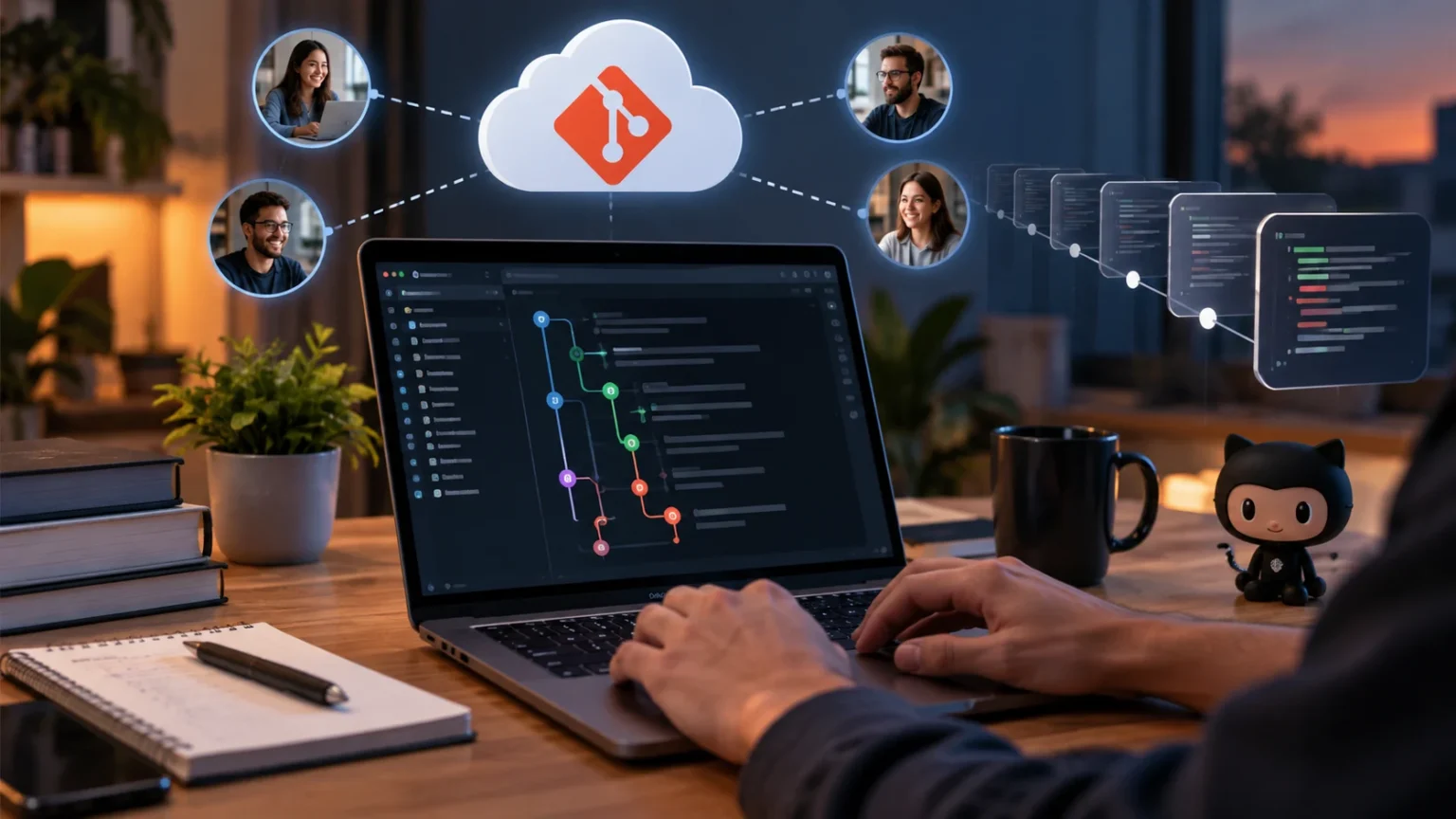

Version control is one of the most important foundations of modern software development. It helps developers track changes, protect working code, collaborate with teammates, and return to earlier versions when something goes wrong. Whether you are building a simple website or maintaining a large application, version control provides a structured way to manage how your project evolves.
Without version control, developers may end up creating confusing files such as project-final, project-final-new, or project-final-fixed. This approach becomes difficult to manage when several people are editing the same codebase. A version control system keeps a clear history of changes so developers can understand who changed something, when it changed, and why.
Version control is commonly associated with Git, GitHub, GitLab, and similar development tools, but the underlying concept is broader than any single platform. The goal is to create a reliable record of project changes while supporting collaboration and experimentation. Understanding how version control works can make your development workflow significantly safer and more organized.
What Is Version Control?
Version control is a system for recording changes made to files over time. It allows developers to save different versions of a project and compare how the code has changed between those versions. Each saved state can include information about what was modified, who made the changes, and why those changes were introduced.
Instead of replacing older files every time code is updated, version control keeps a structured history of the project. Developers can continue working on the latest version while still having access to earlier versions when needed. This makes it much easier to investigate bugs, review previous decisions, or restore code that worked correctly before a problem appeared.
Version control is especially valuable for software development because code changes constantly. Features are added, bugs are fixed, designs change, and multiple developers may work on the same files. A version control system creates order around these changes and reduces the risk of losing important work during development.
How Version Control Works
A version control system monitors files inside a project and records selected changes as snapshots. Developers usually make changes locally, review what has been modified, and then save those updates as a new version. In systems such as Git, these saved snapshots are commonly called commits and become part of the project’s permanent history.
Each commit normally contains a unique identifier along with information about the changes and the developer who created them. A descriptive commit message explains the purpose of that version, such as fixing a login error or adding a new feature. These details make project history much easier to understand months or even years later.
Developers can also compare one version against another to see exactly what changed. Individual lines may have been added, deleted, or modified, and version control tools make these differences visible. This makes reviewing code faster because developers can focus on recent changes instead of repeatedly examining every file in the project.
Why Version Control Matters for Developers
One of the biggest benefits of version control is protection against mistakes. Developers sometimes delete important code, introduce bugs, or make changes that do not work as expected. When previous versions are preserved, they can inspect earlier code and restore a stable state instead of rebuilding everything from memory.
Version control also creates accountability and transparency in software projects. Team members can see who introduced a particular change and read the explanation included with the commit. This information is useful during debugging, code reviews, and project handovers because developers do not have to guess why certain decisions were made.
Even solo developers benefit from having a reliable project history. A personal project can grow complicated quickly, especially when you experiment with several approaches. Version control gives you the confidence to test new ideas because you know earlier working versions remain available if the experiment does not succeed.
Version Control Makes Team Collaboration Easier
Software development often involves several people working on the same application simultaneously. One developer may be improving the navigation while another builds a payment feature and another fixes database issues. Without version control, combining these changes manually could become difficult and increase the chance of overwriting someone else’s work.
Version control allows each developer to work independently while maintaining a shared project history. Team members can create separate branches for different features or bug fixes and later combine their work. This makes parallel development much more practical because changes can remain isolated until they are ready to be reviewed and integrated.
Conflicts can still happen when two developers edit the same part of a file, but version control systems help identify those conflicts clearly. Developers can examine both versions and decide how they should be combined. This structured process is far safer than accidentally replacing another person’s changes without realizing it.
Understanding Repositories, Commits, and History
A repository is the location where a version-controlled project and its history are stored. It contains the source code along with information about previous commits, branches, and other development activity. A repository may exist locally on a developer’s computer and remotely on services such as GitHub or GitLab.
Commits are individual saved checkpoints inside the repository. Each commit should ideally represent a meaningful change, such as adding functionality, correcting an error, or improving documentation. Clear commits make it easier to understand the development timeline and identify when a specific feature or problem entered the codebase.
The commit history creates a detailed record of how the software developed over time. Developers can move through that history, compare changes, and investigate earlier decisions. This is particularly useful when maintaining long-running projects where the original developers may no longer remember the reasoning behind every implementation choice.
What Are Branches in Version Control?
Branches allow developers to create separate lines of development without immediately changing the main version of the project. A developer can create a branch for a new feature, make several commits, test the work, and only combine it with the main branch once everything is ready.
This separation supports safer experimentation. For example, a developer might redesign an authentication system without affecting the version being used by other team members. If the experiment fails, the branch can be changed or discarded without damaging stable code that continues to exist elsewhere.
Branches are also central to collaborative workflows. Teams may create feature branches, bug-fix branches, development branches, or release branches depending on their processes. Clear branch naming and focused changes help developers understand what each branch contains and make code reviews easier before changes reach production.
Centralized vs Distributed Version Control
Centralized version control systems store the main project history on one central server. Developers connect to that server to access files and submit changes. Systems such as Subversion have traditionally used this approach, and it can work well when teams prefer a centrally managed source of truth.
Distributed version control systems give each developer a complete local copy of the repository and its history. Git is the most widely known example of this approach. Developers can create commits, inspect history, and work with branches locally without needing a constant connection to the central remote repository.
Distributed systems provide flexibility because developers can continue many version control operations while offline. They also create additional copies of the repository history across team members’ machines. Remote hosting services remain important for collaboration, but the full development history is not limited to one central location.
Git and Version Control: What Is the Difference?
Git is a version control system, but version control itself is the broader concept. Version control describes the practice of tracking and managing file changes, while Git is a specific tool designed to perform those tasks. Other systems also exist, although Git has become extremely common in modern software development.
Git provides features such as commits, branches, merging, tags, and distributed repositories. Developers use Git through terminal commands, desktop applications, integrated development environments, and online hosting platforms. The underlying repository can therefore be managed through several interfaces depending on the developer’s preferred workflow.
Development tools often work together to create a more efficient coding environment. Alongside Git, choosing suitable code editors can simplify writing, reviewing, and managing project files. Many modern editors include built-in Git features that let developers inspect changes, create commits, switch branches, and resolve conflicts.
Version Control Helps With Debugging and Recovery
Bugs sometimes appear after a recent code change, but identifying exactly what caused the problem can be difficult without a clear history. Version control allows developers to inspect recent commits and compare different versions. This can reveal the exact lines that changed before the issue began.
Developers can also return to earlier versions when necessary. If a new feature causes serious problems, the team can restore or reverse particular changes while keeping a record of what happened. This ability reduces the risk associated with making updates because mistakes do not automatically destroy previous working code.
Version history can also support systematic debugging techniques. Developers may examine a sequence of commits to determine exactly when a bug was introduced. Instead of searching through the entire application blindly, they can narrow the investigation to the specific changes that occurred between a working version and a broken one.
Version Control Supports Safer Experimentation
Programming often involves trying different approaches before finding the best solution. Without version control, developers may hesitate to make major changes because they are afraid of losing code that already works. A saved project history removes much of that risk by making earlier states accessible.
Branches are particularly useful for experimentation because developers can isolate uncertain changes from stable development. A programmer might test a new library, rewrite an algorithm, or restructure an application on a separate branch. If the new approach works, it can be integrated; if not, the original code remains unaffected.
This freedom encourages developers to explore improvements without relying on manual backup folders. Experimentation becomes an organized part of the development process rather than a risky activity. As long as important work is committed properly, developers can test ideas with much greater confidence and control.
Version Control Improves Code Reviews
Code review is the process of having another developer inspect changes before they become part of the main project. Version control makes this practical by showing reviewers exactly what changed between versions. They can examine added lines, deleted code, modified functions, and related commit messages without manually comparing full files.
Platforms built around Git often add pull requests or merge requests to support structured review workflows. Developers can discuss specific lines, request changes, and approve updates before they are merged. Automated testing and other development checks can also run as part of this process to catch problems earlier.
Reviews improve more than code quality because they also help share knowledge across the team. Developers learn how different parts of the system work and understand why particular changes were made. Combined with a detailed version history, code reviews create a useful record of technical decisions and project development.
Why Version Control Is Important for Deployment
Version control creates a known source of code that can be used when applications are deployed. Instead of manually copying random files to a server, teams can connect deployment processes to specific branches, commits, or releases. This helps ensure that everyone knows exactly which version of the application is currently running.
If a deployment introduces a serious problem, version history can help teams identify what changed and restore a previous stable release. This makes production recovery faster and more predictable. Developers can compare the working release against the problematic version instead of trying to reconstruct what happened manually.
Modern development workflows often combine version control with continuous integration and continuous deployment systems. When developers push approved changes, automated processes can run tests, build the application, and prepare deployments. Version control therefore becomes an important foundation for reliable software delivery as projects and engineering teams grow.
Best Practices for Using Version Control
Commit changes regularly rather than waiting until dozens of unrelated modifications have accumulated. Smaller commits are easier to understand, review, test, and reverse when necessary. Each commit should ideally represent one logical piece of work and include a clear message describing what changed and why.
Developers should also avoid placing sensitive information inside repositories. Passwords, private API keys, access tokens, and environment secrets should be handled through safer configuration methods. Files that should not be tracked can often be excluded using tools such as a .gitignore file when working with Git repositories.
Use meaningful branch names and keep feature branches focused on specific tasks. Before combining changes, review the differences and test the relevant functionality carefully. Good version control habits do not require complicated workflows; consistency and clear organization are often more valuable than using every advanced feature available.
Conclusion
Version control is a system for tracking project changes and maintaining a reliable history of software development. It allows developers to save checkpoints, compare versions, work with branches, recover earlier code, and understand how an application has changed over time. These capabilities become increasingly valuable as software projects grow in size and complexity.
For teams, version control creates a structured environment where several developers can work on the same codebase without constantly overwriting one another. Branching, merging, code reviews, and shared repositories make collaboration more manageable. For individual developers, the same tools provide protection against mistakes and greater freedom to experiment.
Learning version control is therefore an essential step for anyone interested in professional software development. Start with basic concepts such as repositories, commits, branches, and project history before moving into advanced workflows. Once version control becomes part of your everyday development process, managing code changes becomes significantly more organized, predictable, and secure.
FAQs
What is version control in simple terms?
Version control is a system that records changes made to project files over time. It lets developers review previous versions, restore earlier code, track modifications, and collaborate without manually creating multiple backup copies.
Why is version control important for programmers?
Version control protects code, creates a development history, supports teamwork, and makes mistakes easier to undo. It also lets developers experiment on separate branches without immediately affecting stable versions of the project.
Is Git the same as version control?
No. Version control is the overall practice of tracking file changes, while Git is a specific distributed version control system used to manage those changes and coordinate software development.
Can one developer benefit from version control?
Yes. Solo developers can use version control to track progress, compare changes, experiment safely, restore previous code, and understand how their projects evolved without relying on manually created backup folders.
What is the difference between Git and GitHub?
Git is the version control system that tracks code changes, while GitHub is an online platform that hosts Git repositories and provides collaboration features such as pull requests, code reviews, and project management tools.