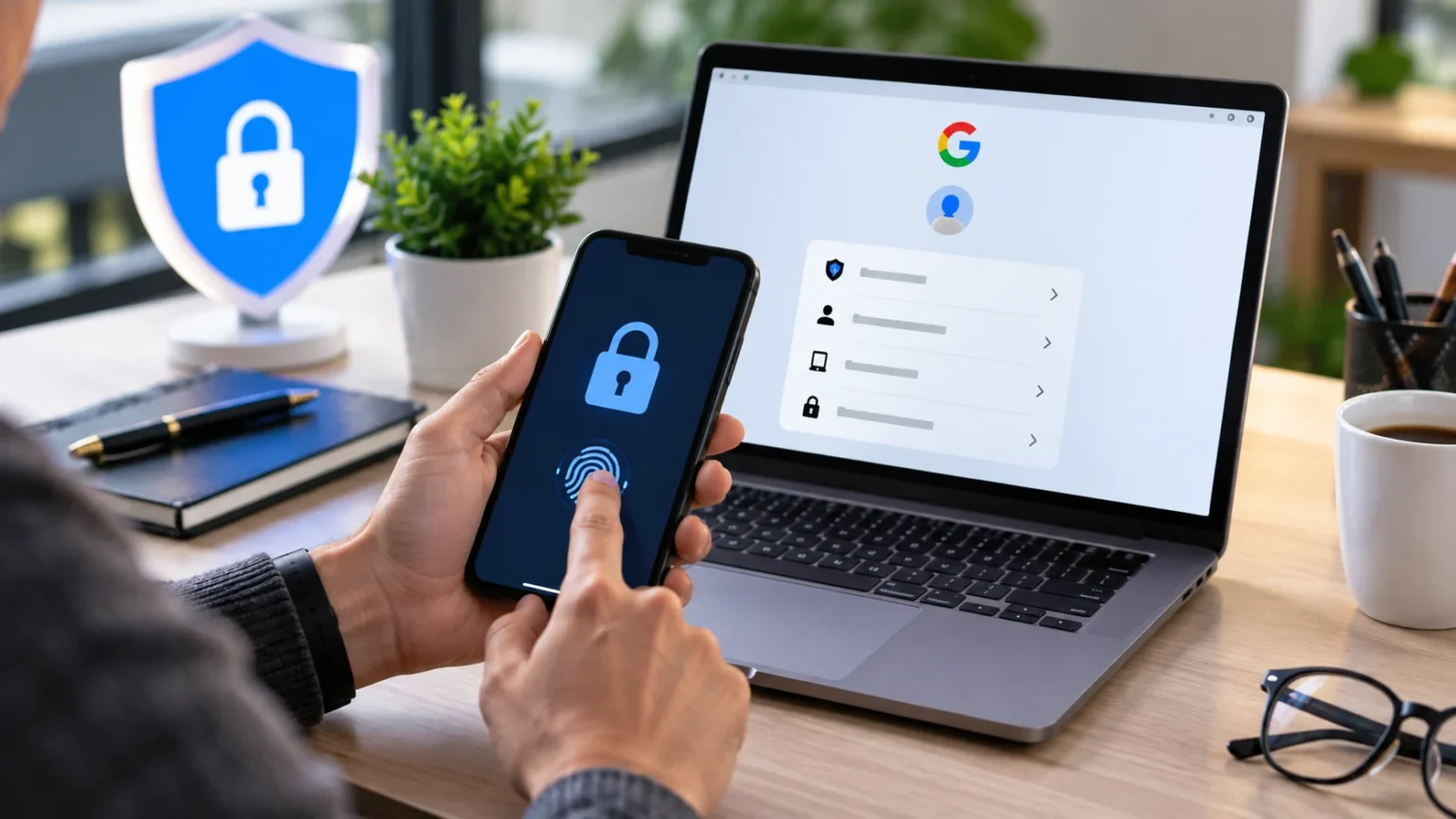

Your Google Account may connect Gmail, Drive, Photos, YouTube, saved passwords, payment information, and many other services. If someone gains access to it, they may be able to read private messages, reset passwords for other accounts, view stored files, or impersonate you online. That makes Google Account security something worth checking regularly.
The good news is that strengthening your account does not require advanced cybersecurity knowledge. A few focused changes can significantly improve protection in only a few minutes. By reviewing your password, sign-in methods, connected devices, recovery options, and third-party access, you can reduce the most common risks before they turn into serious problems.
Start With a Strong and Unique Google Password
Your Google password should be different from passwords used on shopping sites, social media platforms, streaming services, or other online accounts. Reusing passwords creates a serious security weakness because credentials stolen from one service may be tested automatically elsewhere. A unique password limits the damage if another website experiences a data breach.
Choose a long password that is difficult to guess but manageable for you to store safely. Avoid names, birthdays, common phrases, keyboard patterns, or predictable combinations such as a word followed by a year. A password manager can make this easier by generating and securely storing complex passwords instead of forcing you to memorize every login.
If you suspect your current Google password has been exposed, change it immediately. After changing it, review recent account activity and connected devices to make sure nobody else is still signed in. A new password is important, but it should be combined with additional account protections rather than treated as the only security measure.
Turn On Multi-Factor Authentication
One of the fastest ways to secure your Google Account is to add another verification step beyond your password. This means that even if someone learns your password, they may still be unable to sign in without access to your trusted device or another approved method. That extra layer can block many common account takeover attempts.
If you want to understand why this matters, learning how multi-factor authentication works can make the setup easier to understand. Google may offer several verification methods depending on your account and device, including prompts, authentication apps, security keys, or other supported sign-in options.
Choose the strongest method that is practical for you and make sure you can recover access if your primary device is lost. Never approve a sign-in request that you did not start yourself. Unexpected authentication prompts may indicate that someone already knows your password and is attempting to enter your account.
Review Devices Signed Into Your Account
Google Accounts often remain signed in on phones, laptops, tablets, smart TVs, and other devices long after users stop thinking about them. Reviewing your active devices can quickly reveal unfamiliar or outdated sessions. This is especially useful if you have recently replaced a phone, used a shared computer, or signed in while traveling.
Look through the list of devices associated with your account and remove anything you no longer recognize or use. Pay attention to device type, approximate location, and recent activity when available. An unfamiliar device does not always mean your account has been compromised, but it should be investigated rather than ignored.
If you find a device that clearly does not belong to you, sign it out and change your password. You should also review security activity for additional suspicious behavior. Removing unauthorized sessions quickly can stop someone from continuing to access Gmail, Drive, Photos, or other Google services after your credentials have been exposed.
Check Your Recovery Email and Phone Number
Recovery information helps Google verify your identity when you forget your password or when suspicious activity triggers additional security checks. An outdated recovery phone number or email address can make account recovery harder. In some cases, it can also create risk if the old contact method now belongs to someone else.
Make sure your recovery email is an account you still control and protect with strong security. Your recovery phone number should also be current and accessible to you. Avoid relying on an old work email, inactive number, or address you rarely check because those options may fail when you urgently need account access.
Recovery information should be reviewed whenever you change phone numbers, email providers, or important devices. Keeping it current makes legitimate recovery easier while reducing the chance that old contact details can be misused. Strong account security includes planning for both preventing unauthorized access and safely recovering the account when something goes wrong.
Review Recent Security Activity
Google may show recent security events such as new sign-ins, password changes, recovery updates, or unfamiliar device activity. Reviewing this information helps you identify account changes you did not make. A quick security review can sometimes reveal suspicious behavior before an attacker has enough time to cause additional damage.
Look for activity at times or locations that do not make sense for you. Also pay attention to unexpected changes to passwords, recovery options, or sign-in methods. Some location information may be approximate because of mobile networks, VPNs, or internet routing, so consider the full context before deciding whether an event is suspicious.
If you see activity you cannot explain, act immediately rather than waiting to see whether it happens again. Change your password, sign out unfamiliar devices, review connected applications, and strengthen your authentication settings. Early action can prevent unauthorized access from developing into email theft, data loss, financial fraud, or account lockout.
Remove Unnecessary Third-Party App Access
Many websites and applications allow users to sign in with Google or request access to Google Account information. Over time, you may grant permissions to services you no longer remember using. Every unnecessary connection adds another relationship that should be reviewed as part of your overall account security.
Look through applications and services connected to your Google Account and remove access for anything you no longer use or trust. Pay attention to what each service can access, especially if it can read profile information, manage files, or interact with other Google data. Removing unnecessary permissions reduces your exposure if an external service is compromised.
You do not need to disconnect every third-party application. Reputable services you actively use may require legitimate permissions to function correctly. The goal is to remove forgotten, suspicious, or unnecessary access while keeping only connections that still have a clear purpose and come from services you trust.
Protect Gmail Because It Controls Other Accounts
Gmail deserves special attention because email is often used to reset passwords for banking, social media, shopping, cloud storage, and other online services. If an attacker controls your Gmail account, they may attempt to take over several connected accounts. Securing email therefore protects much more than your inbox alone.
Review Gmail settings for unfamiliar forwarding addresses, filters, or account delegation that you did not create. Attackers sometimes add forwarding rules so copies of important messages continue reaching them even after a password is changed. Unusual filters may also hide security notifications, password reset emails, or messages that would alert you to suspicious activity.
Be cautious with unexpected messages asking you to verify your Google Account through a link. Instead of clicking, open Google directly through your browser or trusted app and review your account there. Phishing emails can imitate familiar branding, so independent verification is safer than trusting the appearance of a message.
Keep Your Browser and Devices Updated
Account security depends partly on the devices you use to access Google services. An outdated browser or operating system may contain known vulnerabilities that attackers can exploit. Regular updates help close these weaknesses and improve built-in protection against malicious websites, unsafe downloads, and other common security threats.
Enable automatic updates where practical so important security patches are installed without requiring constant manual checks. Keep your browser, phone, laptop, and major applications current. A secure Google password provides less protection if the device itself is infected with malware capable of stealing sessions, passwords, or other sensitive information.
You should also lock your devices with a PIN, password, fingerprint, or other secure screen lock. Someone who gains physical access to an unlocked phone may be able to enter Gmail, Drive, Photos, and other services without knowing your Google password. Device security and account security should therefore work together.
Watch Out for Google Account Phishing Scams
Phishing messages often pretend to be urgent Google security alerts. They may claim that your password has expired, your storage is full, suspicious activity was detected, or your account will be closed unless you act immediately. The message then directs you to a fake login page designed to capture your credentials.
Be suspicious when a message creates pressure and asks you to sign in through an unexpected link. Instead, open your browser and access your Google Account independently. If there is a legitimate security issue, you can usually investigate it through your account settings without relying on the link inside the message.
Also be careful with phone calls or messages claiming to come from technical support. Scammers may ask for passwords, authentication codes, or remote access to your device. Never provide sign-in credentials or one-time verification codes simply because someone sounds professional or already knows basic information about your account.
Use Google Security Checkup Regularly
A security checkup can help you review several important areas of your Google Account in one place. It may highlight devices, recent security events, sign-in methods, recovery options, or third-party access that deserves attention. This makes it easier to find weak points without manually searching through every individual setting.
You do not need to wait until something suspicious happens before reviewing your security. Running a quick check every few months can help catch outdated recovery details, forgotten devices, or applications you no longer use. Regular reviews are especially valuable after changing phones, traveling, using shared devices, or receiving unusual security notifications.
Treat security checkups as maintenance rather than emergency measures. Just as software updates protect devices over time, occasional account reviews keep your security settings aligned with your current habits. A few minutes of preventive maintenance can be far easier than recovering an account after unauthorized access has already occurred.
Secure Saved Passwords and Payment Information
Google services may store passwords, addresses, payment details, and other information that makes browsing and shopping more convenient. That convenience increases the value of your account to attackers. Protecting the main account therefore helps secure much more than messages and files stored directly inside Gmail or Drive.
If you use Google’s password-management features, review saved credentials for weak, reused, or compromised passwords when relevant security tools flag them. Replace reused passwords with unique ones, particularly for financial, email, shopping, and social accounts. Strong password hygiene reduces the chance that one breach can spread across several services you use.
Also review saved payment methods and account activity if you suspect unauthorized access. Remove outdated information and investigate unfamiliar transactions or account changes promptly. An attacker who gains access to a trusted Google session may attempt to use stored information, so rapid action matters whenever account compromise is suspected.
Know What to Do If Your Google Account Is Hacked
If you believe someone has accessed your account, change your password as soon as you can using a trusted device. Then review active sessions, recent security activity, recovery details, and connected applications. Removing the attacker’s access is more effective when you check every possible route they may have used to remain connected.
Inspect Gmail settings for forwarding rules or filters you did not create and review important files for unexpected changes. You should also check other online accounts that use the same password or rely on Gmail for recovery. If you previously reused your Google password, replace it on those services immediately.
After regaining control, strengthen your authentication and recovery setup so the same attack is harder to repeat. Keep monitoring the account for unfamiliar activity over the following days. Successful attackers sometimes attempt additional password resets or sign-ins later, especially if they obtained personal information during the original compromise.
Create a Simple Google Account Security Routine
Good security does not require checking account settings every day. A simple routine can include using a unique password, keeping stronger authentication enabled, reviewing devices occasionally, and removing applications you no longer use. These habits address common account risks without turning normal internet use into a complicated security process.
Pay special attention whenever something changes in your digital life. A new phone, lost device, changed number, new job, or temporary computer may require updates to recovery information or signed-in sessions. Handling these changes immediately helps prevent old devices and outdated contact details from becoming weak points later.
Most importantly, treat unexpected sign-in requests and security messages seriously without reacting impulsively. Verify the situation through your account directly before entering passwords or authentication codes. Combining careful verification with strong technical protections gives you a practical defense against phishing, credential theft, unauthorized access, and many other common threats.
Conclusion
Securing your Google Account can be done quickly when you focus on the settings that matter most. Start with a strong unique password, turn on stronger sign-in verification, review active devices, and make sure your recovery information is current. These steps create a strong foundation for protecting Gmail, Drive, Photos, and other connected services.
Continue by removing unnecessary third-party access, checking recent security activity, and reviewing Gmail for suspicious forwarding or filtering rules. Keep your devices and browser updated so account protections are supported by secure software. Small maintenance habits can prevent forgotten settings or old devices from becoming vulnerabilities over time.
Google Account security works best when technology and careful behavior are combined. Strong authentication can protect stolen passwords, while good phishing awareness can stop those passwords from being stolen in the first place. Spending a few minutes on these precautions today can greatly reduce the risk of account takeover, lost data, and unauthorized access later.
FAQs
What is the fastest way to secure my Google Account?
Start by using a unique password, enabling multi-factor authentication, reviewing signed-in devices, and checking your recovery information. These steps address several of the most common account security risks quickly.
How can I tell if someone accessed my Google Account?
Review recent security activity and signed-in devices for unfamiliar locations, devices, or account changes. Unexpected authentication prompts, password changes, forwarding rules, or recovery updates can also indicate suspicious access.
Should I change my Google password regularly?
You do not need to change a strong unique password constantly without reason. However, change it immediately if you suspect phishing, credential exposure, unauthorized access, or reuse on a compromised service.
Is multi-factor authentication important for Gmail?
Yes. Gmail often controls password recovery for many other online accounts, so adding another sign-in factor makes unauthorized access significantly harder when your password is stolen.
What should I do if I receive an unexpected Google sign-in prompt?
Do not approve it. Review your account’s security activity, change your password if necessary, check signed-in devices, and make sure your recovery and authentication settings have not been changed.